Blog
Why can't my friend open localhost:8000?
When the app runs on your own computer, localhost:8000 means that computer. A friend's browser reads the same address as their own machine, where nothing is running. Here is what the address means, the three ways to give someone a link, and what the app needs before a stranger can use it.
Updated
The short answer
localhost means the computer the browser is running on. When you open http://localhost:8000, your browser connects to port 8000 on your own machine, where your development server is listening. When your friend opens the same link, their browser looks for port 8000 on their machine, where nothing is listening. That is the whole problem: the address is not a place on the internet, it is a name for this computer.
For a friend to open the app, two things have to be true. The app has to run on a computer they can reach, and the parts it depends on have to run there too: the server code, the database if it saves anything, and the sign-in service if people sign in.
What the pieces mean
localhostis a name this computer gives itself.127.0.0.1and::1are the same idea in address form, and the system routes them back to the machine that sent them.:8000is a port: one numbered door on that machine. Your development server opened it, and it chose the number, or a framework did.httpis the plain form of the web's protocol. A public app usually answers overhttps, which the host arranges.
Two things follow. The link only works while your development server is running, so closing the terminal or letting the laptop sleep takes it down. And it only works on your machine: on the same Wi-Fi, a phone can sometimes reach your computer's local network address, but that is a different address, not this one.
Three ways to give a friend a link
| The way | What it is | When it fits |
|---|---|---|
| A tunnel | A service gives you a public address and forwards each request to your machine | a quick look at a demo, while your machine stays on |
| A host | The app runs on a computer that stays on, and answers at its own address | a link for other people, over days |
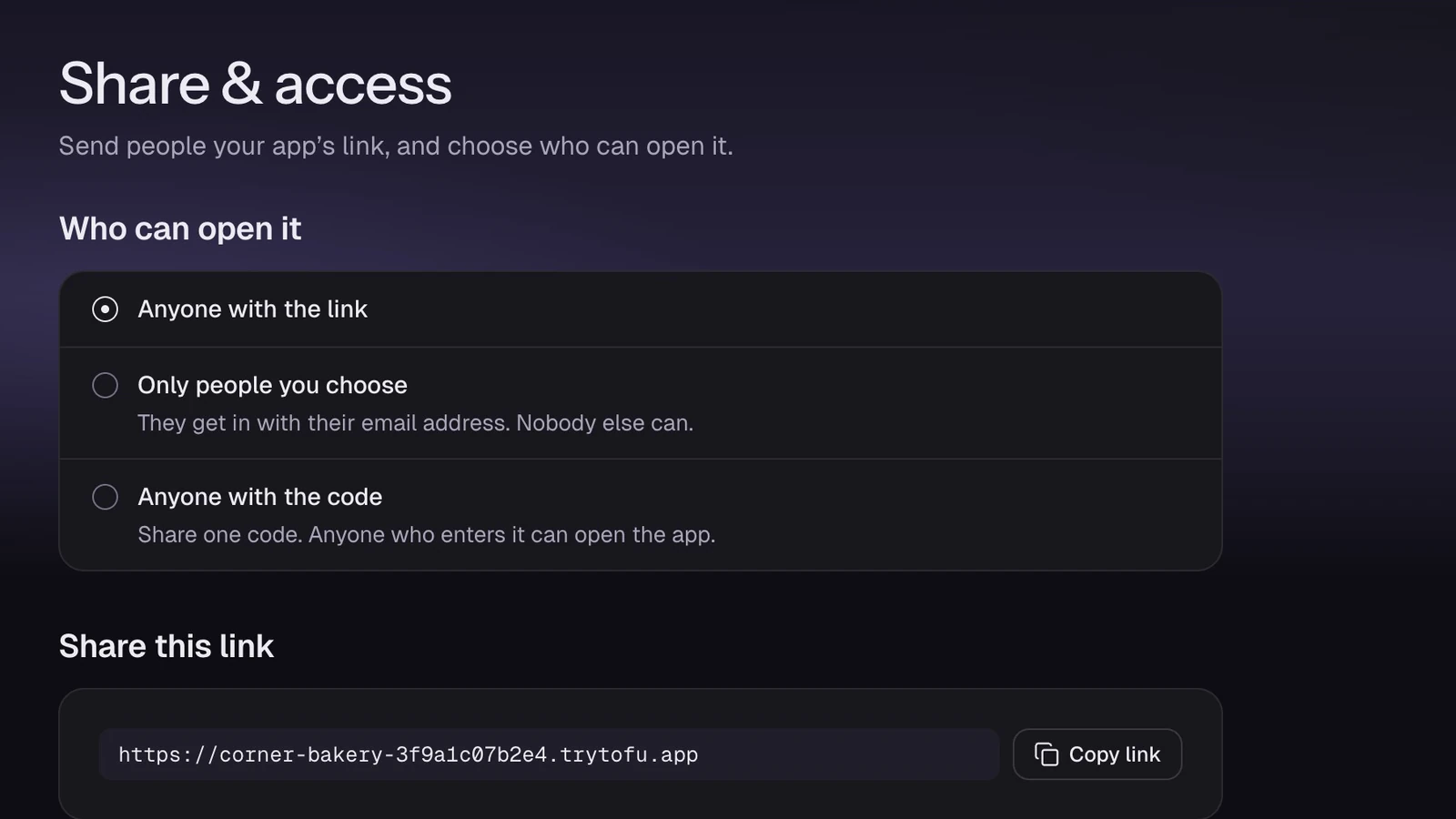
| Your coding agent sends it to Tofu | The agent uploads the app, and Tofu builds and serves it | you want the link, and maybe a database and sign-in, without keeping a server running |
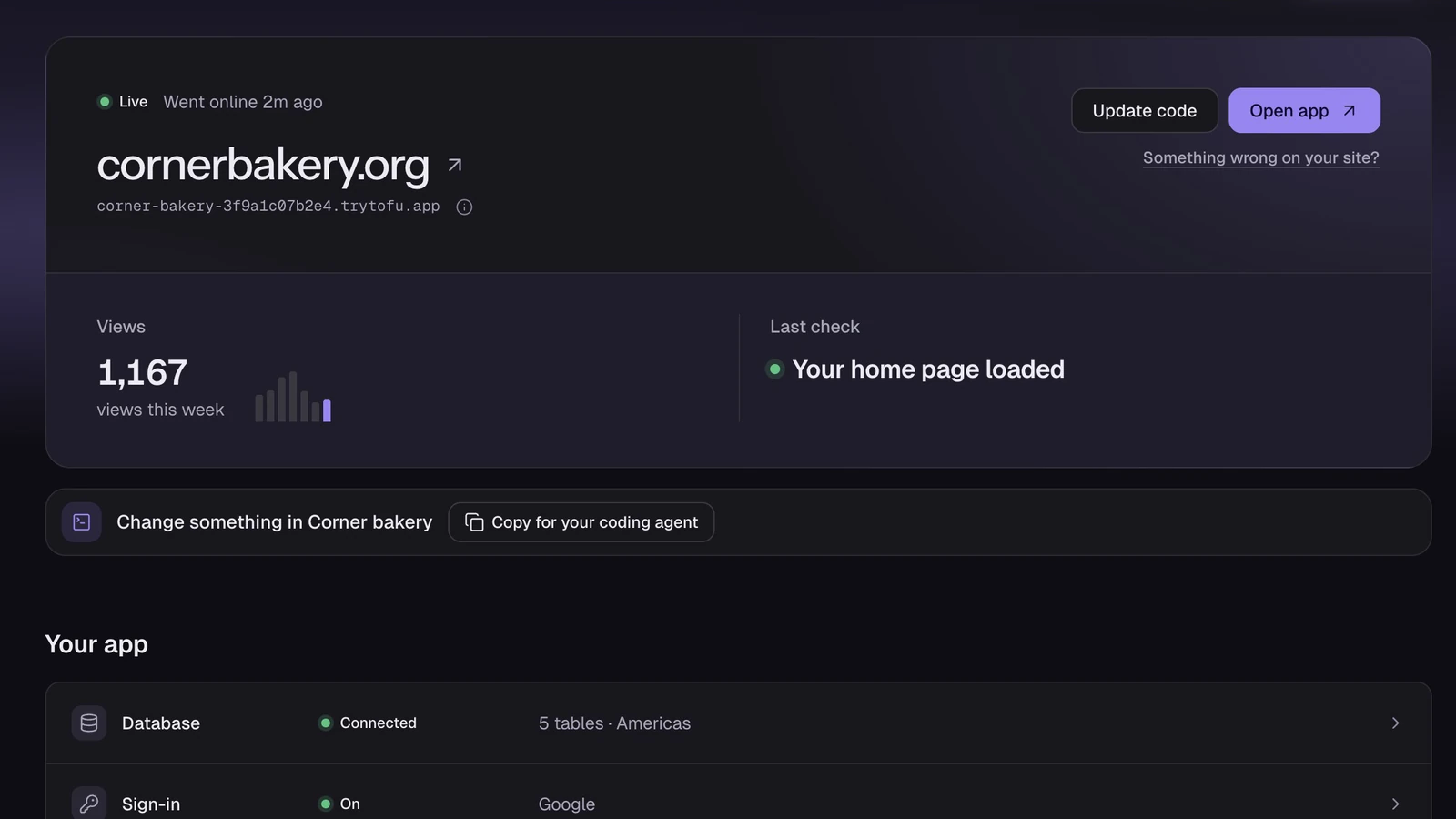
A tunnel is the fastest way to show someone a screen, and the least durable: the address changes, and it dies with your machine. A host is what most people mean by putting an app online. If your coding agent built the app, the agent can send it to Tofu, which gives it an address anyone can open; the comparison of ways to put an app online has the honest trade-offs of each.
What the app needs beyond a link
- A database where the app runs. An app that saves records needs a database the host can reach. A Postgres server on your laptop is not reachable from a host, and a database file inside the project is replaced on the next build.
- Settings kept on the host. Keys and addresses belong in the host's environment, not in the code, because the code is replaced on every update and shared with whoever reads the repository.
- Sign-in that returns to the app's own address. Google sign-in needs a client the host knows about, and a return address that matches the app. That is why a sign-in button that worked at
localhostcan stop working at the public address until the return address is registered. - A build that starts from the source alone. The host installs the dependencies and builds the app from its source. A file that only exists on your computer is missing there.
What Tofu does not do
Run a background worker or a schedule. Tofu serves web apps that answer requests. A job that has to run on a timer needs a trigger from outside the app, and a
cronsentry in an app's ownvercel.jsondoes not register.Move a database from your computer. A Tofu database starts empty; the app's own setup files create its tables, and the records stay where they are.
Fix the app's code. The check before a build is a tripwire for a few known shapes of harm, not a repair: a screen that used sample data still needs ordinary code.
Questions
Why does it work on my computer?
Because your computer is both the server and the browser. Your development server listens on the port, and your browser asks the same machine for it. Nothing has to cross the internet.
Can I just send the link to a friend?
Not with localhost in it. Send the app's public address instead: the one a host or a tunnel gives you. If the link still says localhost, it only means something on your machine.
Why does the link stop working when I close the terminal?
Because the development server is a program running in that terminal. Closing it ends the program, and the port stops answering. A hosted app keeps running on the host's side, which is one reason people move an app to a host before sharing it.
Can my phone open it on the same Wi-Fi?
Sometimes, through your computer's local network address, if the server listens on the network and the firewall allows it. That address is not portable and stops working away from the network. For a link you can send to anyone, use a tunnel or a host.
Do I need HTTPS?
For a public link, yes, in practice: many browser features and sign-in providers expect it, and a host usually arranges it for you. A tunnel gives you an HTTPS address as well.
What if the app needs a database?
Run the database where the app runs, and give the app its connection settings through the host's environment. If you use Tofu, the app's Database page creates and shows those settings after you approve the database; the database docs walk through the schema and the access rules.