linkding
Private bookmark manager
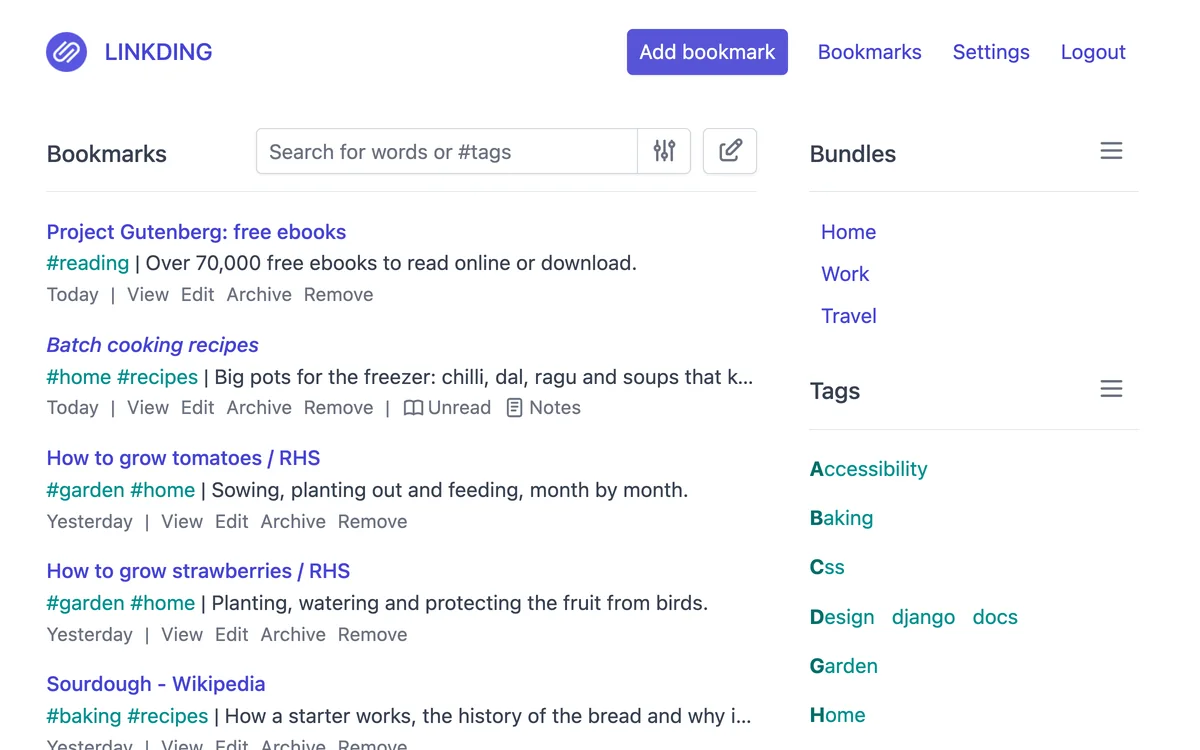
Set a password, keep your links in one private place and find any of them with a quick search.
“Make it mine” asks you to sign in first. On the Free plan, your copy is your one app; you can delete it any time.
“Try it” opens the authors’ own copy, not yours.
- Made by
- sissbruecker
- Licence
- MIT
- Popularity
- 11.3k stars on GitHub
- Uses
- A database
What you can do
- Save a link with tags and let its title fill in by itself
- Find any link by a word in its title, notes or tags
- Mark articles to read later and tick them off when done
Who it’s forAnyone who saves lots of links and wants to find them again
Once it’s yours
- Your own copy, at its own address
- Its own database, separate from everyone else’s
- You manage its data; deleting the app deletes its data too
- Anyone with its address can open it, until you choose who can
- Needs your own key or password: add it in Keys & settings once it’s live, then put it online again
- Change it with your own coding agent
Ideas for changing it
Once it’s live, give any line below to your coding agent.
Show one link I saved long ago at the top of the page each day
Show how many links I saved this week
Add a copy button next to each link
Source and licence
linkding is open source: its authors, sissbruecker, published the code for anyone to use and change.
Its licence, MIT, lets you use and change it freely, as long as you keep the authors’ copyright notice.
Your copy is the version you copied; the authors’ later updates don’t arrive by themselves.
More like this
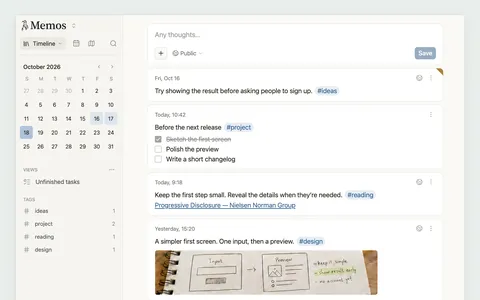
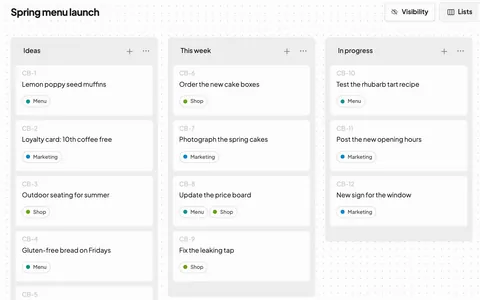
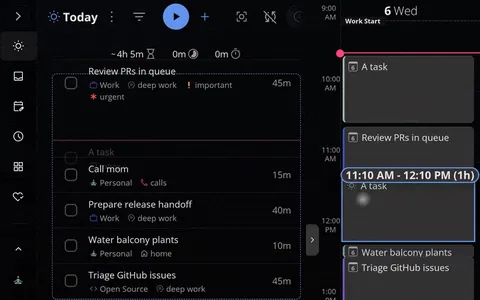
Describe an app, or bring one from your agent. Tofu puts it online.
Works with any coding agent
© 2026 Tofu
trytofu.ai