PhotoCraft
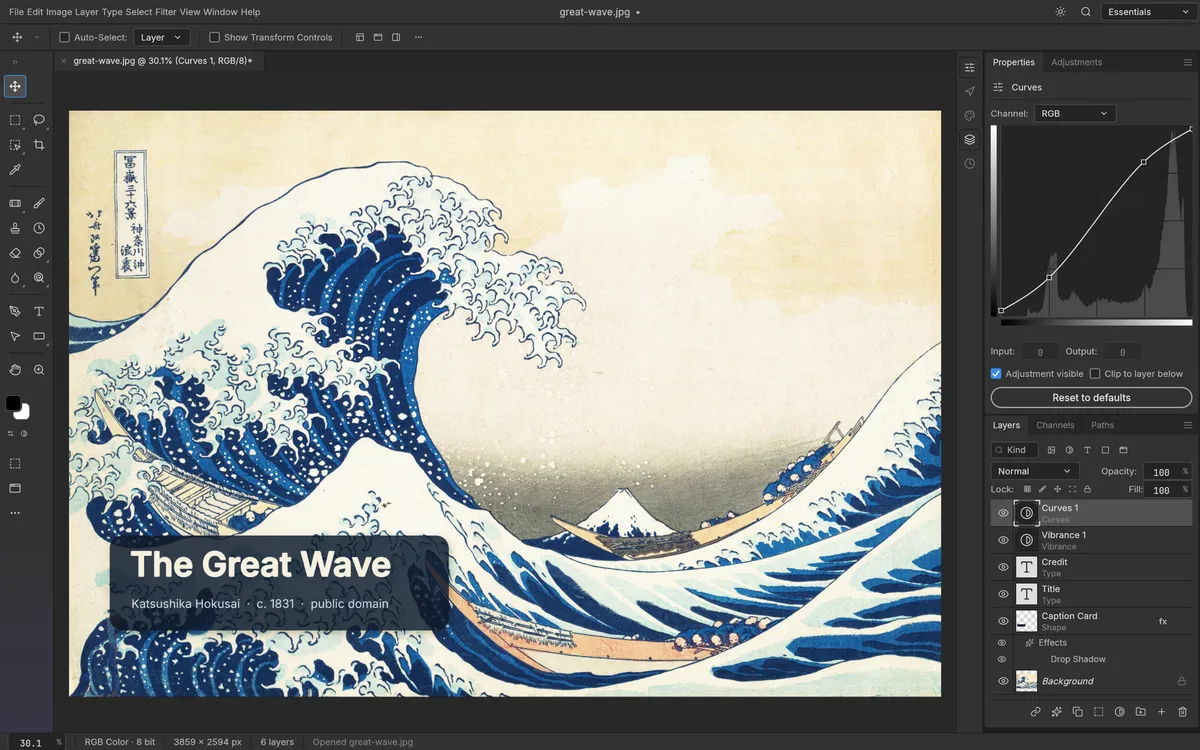
Layered photo editor
Open the page and start editing photos, with nothing to install and no uploads.
“Make it mine” asks you to sign in first. On the Free plan, your copy is your one app; you can delete it any time.
“Try it” opens a copy Tofu keeps online for trying: what you do there stays in your browser.
- Made by
- storytold
- Licence
- MIT OR Apache-2.0
- Popularity
- 70.9k stars on GitHub
- Uses
- Your browser
What you can do
- Stack edits as layers you can change or hide later
- Use a mask so an edit only touches part of a photo
- Add text and filters, then export a JPG or PNG
Who it’s forPhotographers, designers and anyone who edits photos
Once it’s yours
- Your own copy, at its own address
- Anyone with its address can open it, until you choose who can
- Change it with your own coding agent
Ideas for changing it
Once it’s live, give any line below to your coding agent.
Open in the light theme every time
Add a passport photo size to the crop tool
Add our studio's watermark to every exported image
Source and licence
PhotoCraft is open source: its authors, storytold, published the code for anyone to use and change.
Its licence, MIT OR Apache-2.0, lets you use and change it freely, as long as you keep the authors’ copyright notice.
Your copy is the version you copied; the authors’ later updates don’t arrive by themselves.
More like this
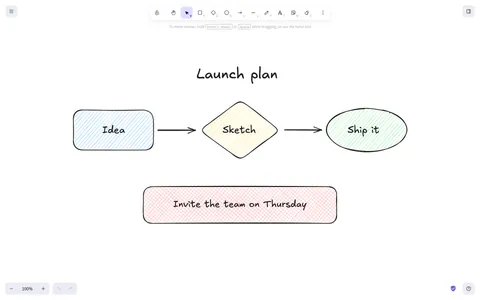 ExcalidrawHand-drawn style whiteboardQuick flowcharts and sketches stay in your browser; export a file to carry on on another device.
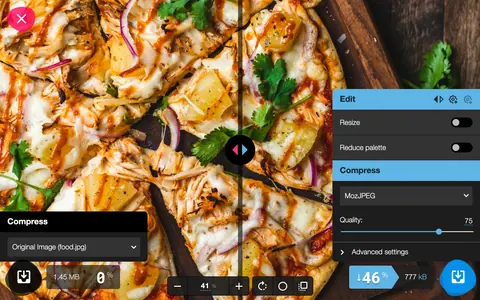 Image shrinkerPhoto compressor and converterYou decide how small each photo gets and how much quality it keeps, with no uploads.
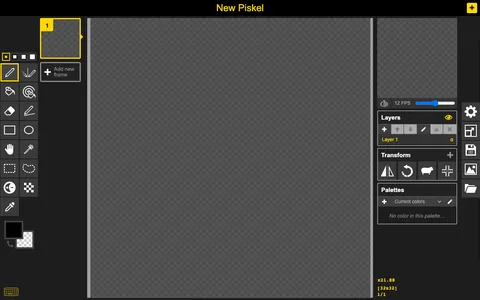 PiskelPixel art editorMake pixel art that moves in Chrome, Firefox or Edge, and save it as a GIF.
Describe an app, or bring one from your agent. Tofu puts it online.
Works with any coding agent
© 2026 Tofu
trytofu.ai