Python notebooks
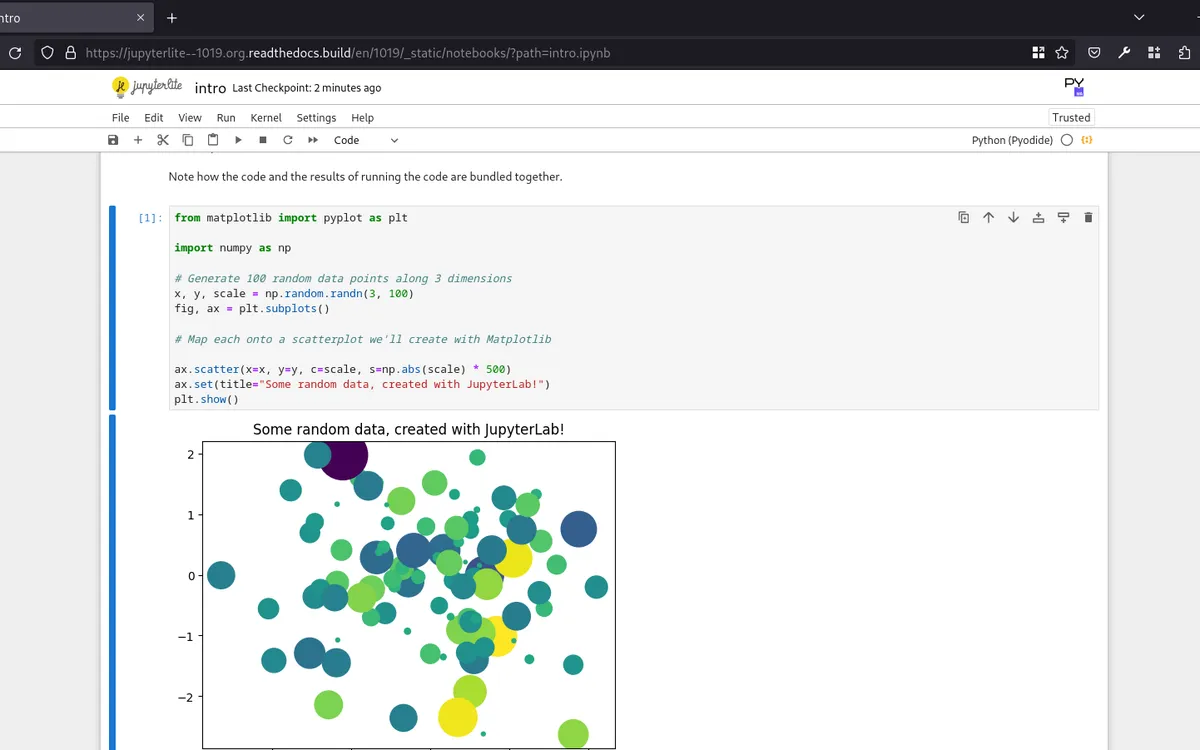
Data analysis workbench
From the open-source project JupyterLite
Open a link and write Python, with nothing to install.
“Make it mine” asks you to sign in first. On the Free plan, your copy is your one app; you can delete it any time.
“Try it” opens the authors’ own copy, not yours.
- Made by
- jupyterlite
- Licence
- BSD-3-Clause
- Popularity
- 4.9k stars on GitHub
- Uses
- Your browser
What you can do
- Run a few lines of code and see the result right below
- Turn your data into charts
- Save notebooks in your browser or download them as files
Who it’s forTeachers running coding classes and workshops
Once it’s yours
- Your own copy, at its own address
- Anyone with its address can open it, until you choose who can
- Change it with your own coding agent
Ideas for changing it
Once it’s live, give any line below to your coding agent.
Have our first lesson's notebook ready to run
Put our sample data file in the file list
Switch to the simpler notebook view
Source and licence
It comes from the open-source project JupyterLite: its authors, jupyterlite, published the code for anyone to use and change. Its licence covers the code, not the name, so the copy on Tofu goes by a plain name.
Its licence, BSD-3-Clause, lets you use and change it freely, as long as you keep the authors’ copyright notice.
Your copy is the version you copied; the authors’ later updates don’t arrive by themselves.
More like this
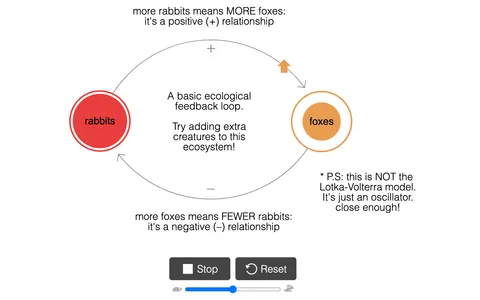 LOOPYCause and effect simulatorPress play and watch a change snowball or settle down.
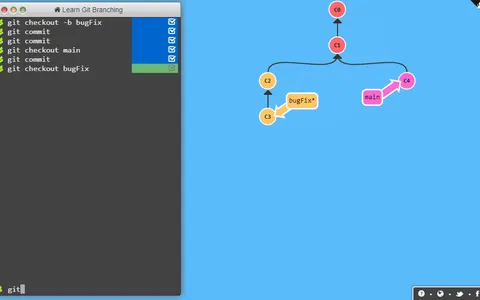 Branching puzzles for GitVersion control playgroundClear levels on a live diagram and learn to branch and merge in Git.
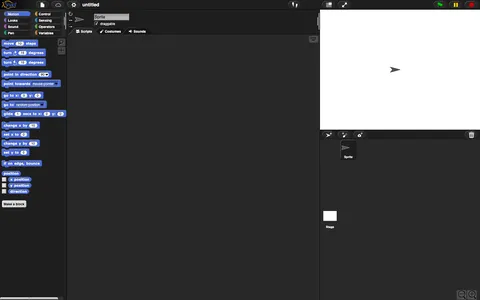 Snap!Block programming languageDrag blocks together to make animations and games, with no code to type.
Describe an app, or bring one from your agent. Tofu puts it online.
Works with any coding agent
© 2026 Tofu
trytofu.ai